Excel Delete Cells
Delete Cells
Cells can be deleted by selecting them, and pressing the delete button.
Note: The delete function will not delete the formatting of the cell, just the value inside of it.
Let's have a look at three examples.
Example 1
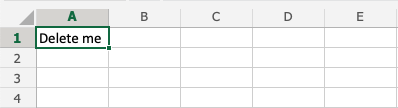
Pressing the delete button:

Example 2
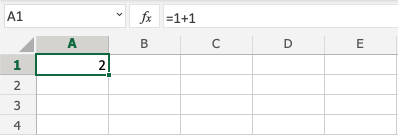
Pressing the delete button:
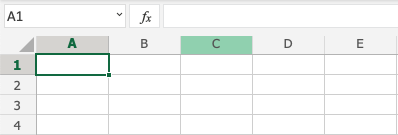
Example 3
With formatting:
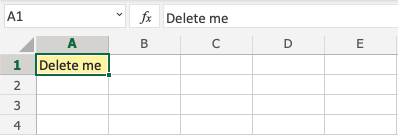
Pressing the delete button:
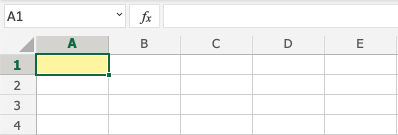
Note that it only deletes the value in the cells, and not the formatting (the color).
Note: You will learn more about formatting, and how to style cells in a later chapter.
Copyright 1999-2023 by Refsnes Data. All Rights Reserved.